Don’t leave your home without proper tools for presentation. Yes, you are the 99% of the presentation, but everything that you bring with you or decide to leave behind will contribute to your success and failure.
As much as I am not a fan of gimmicks, there is one item that never leaves my Box of Everything (more on that in other post):
The Remote Presentation Tool
Why? Presentation as a stage activity hates unclear and incosistent behaviors. When you run a PowerPoint and you are not armed with the remote, you risk either anchoring yourself to one spot or, even worse, having to twist and bend to reach for the keyboard. In some cases, both of the above. Whereas the „keyboard dance” initially may be entertaining for the audience who will surely notice it, it sends a strong distress signal.
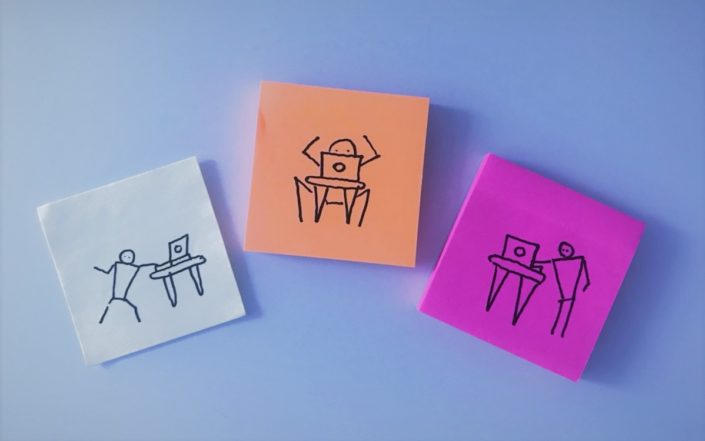
So invest 30 Euro + in your (and your audience’s) comfort and Level Up.
When shopping for one:
Go for simplicity as too many buttons will confuse you. Remember that you have to be familiar with it enough to use it without looking at it.
A good starter remote will have forward and back buttons as well as a black out. And in most cases that is all thay you need.
Tips to Level Up your presentation with a remote:
- For all you presentation stressers: remote is a handy tool if you don’t control your hand movement when presenting. The weight of it gives you more awareness of what is going on when you present.
- Use it to extend your hand to point things on the screen.
- Don’t use the laser dot. Please don’t. It’s only cool to entertain your cats with it these days. Micro movements of your palm make the dot jump, creating uneasiness in viewers (as if they didn’t have a hard time seeing it already).
- Use remote even in sit down presentations. The moment when you look for the forward arrow or space on your keyboard are moments of lost connection with the audience.
Stay tuned for tips how to Level Up your remote.